
When two offices compare custom tote bags for business use, the first figures they receive can refer to different jobs. One might cover a larger quantity on a flat bag. Another might use a gusseted model or include a different destination. Start with a description of a single physical bag that both offices can point to. Then change one variable at a time.
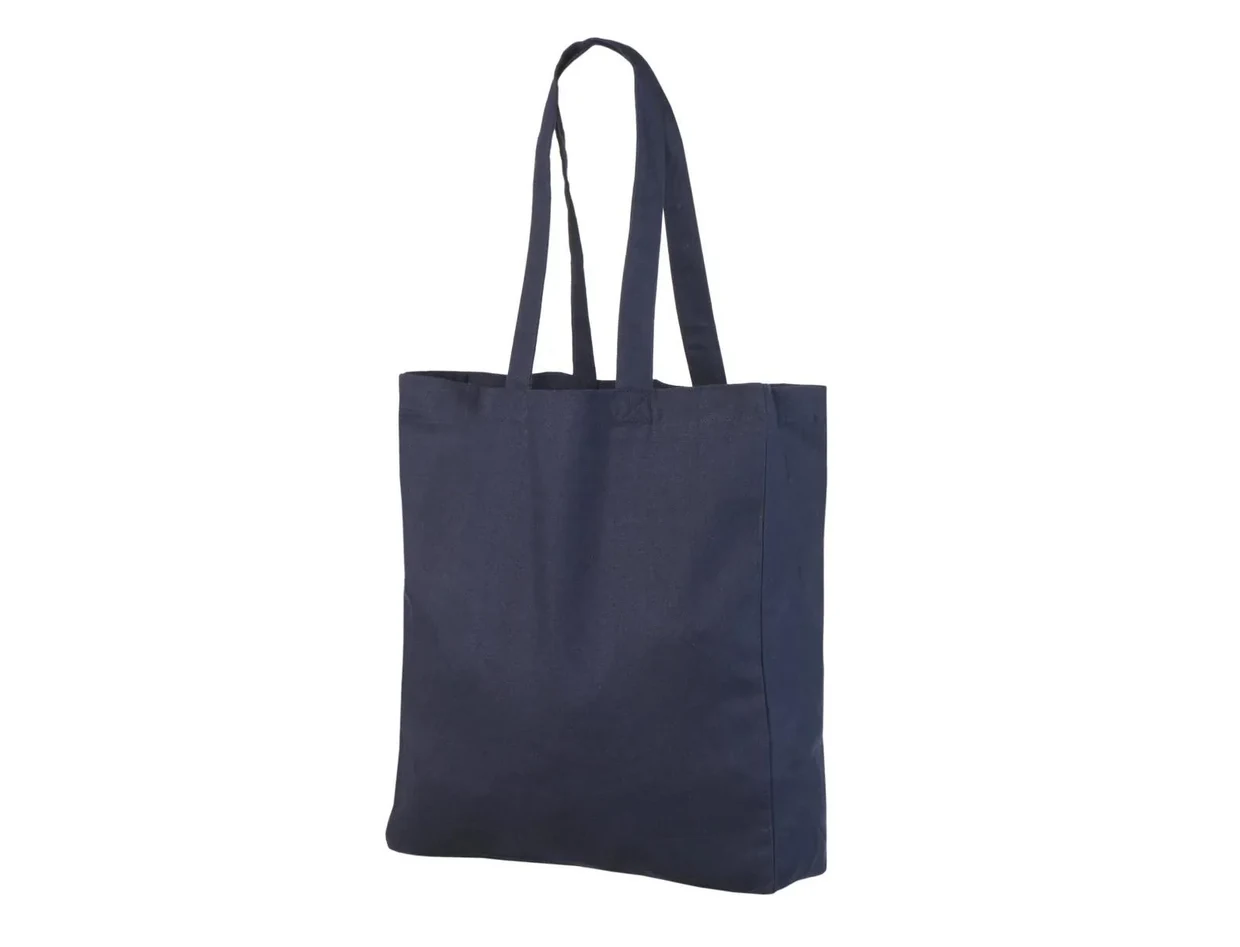
One reference bag belongs at the top of the sheet
Record the model, colour, material weight and handle type. Add a small placement view and the name of the approved artwork file. Describe the printed face in normal language. If the same ink appears in a word, a symbol and a line below, count that ink once. If two versions have different wording, keep those files separate even when both use the same colour.
The navy bag with a single grey mark shows why this matters. The rings, large name and fine script are visible at different distances, yet they belong to one composition. A buyer who writes only “three graphics” could receive a question about three separate versions. A small image beside a precise description clears that up before a price is calculated.
Each quantity gets its own comparable line
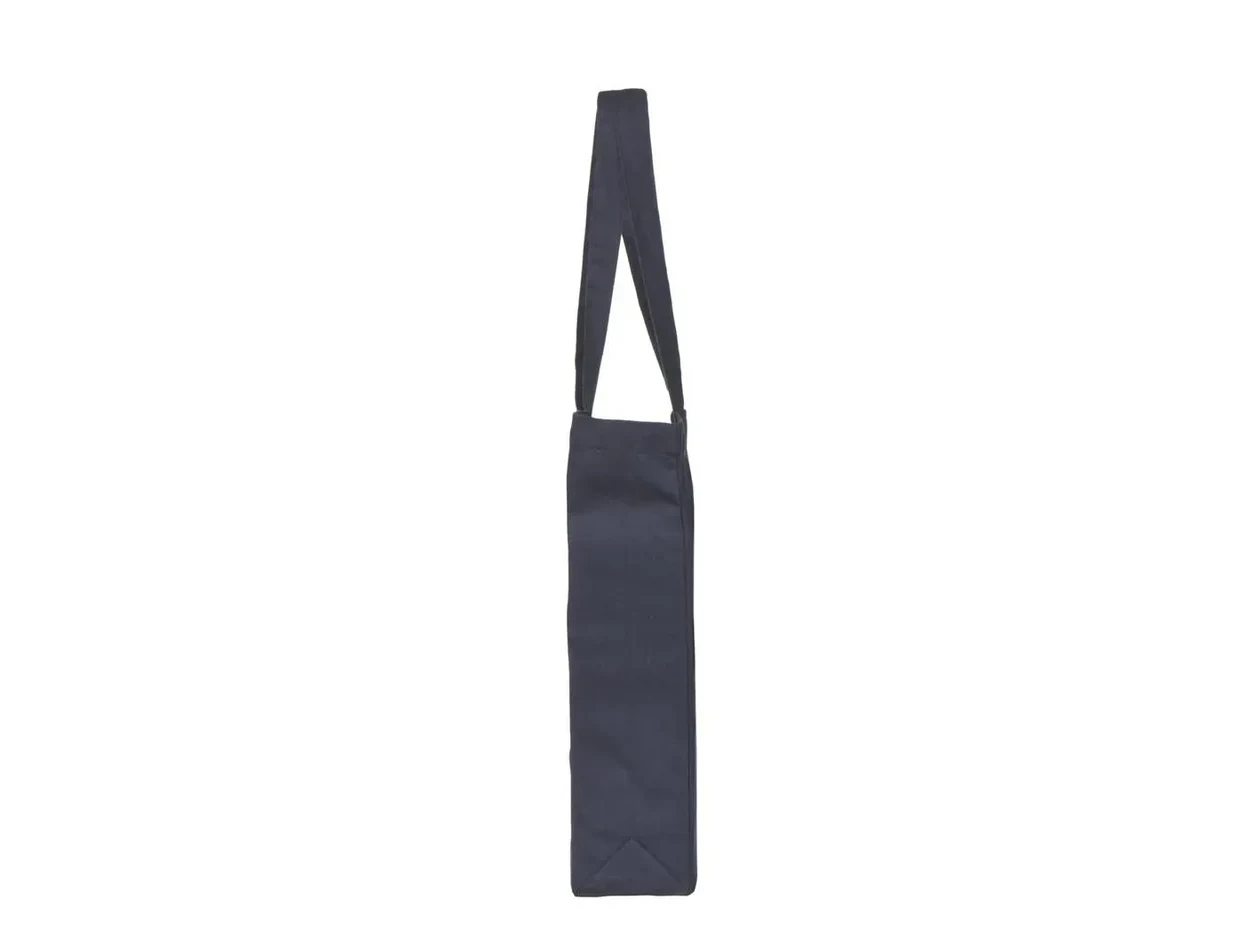
Choose two quantities the team might actually use. Keep the navy gusseted cotton bag and the number of print colours fixed in both selections. On a worksheet put the number of bags in its own column, beside the treatment of the front and the destination. Leave the quoted amount blank until the supplier returns it. If you calculate a per-bag comparison, keep the total alongside it so a lower unit figure cannot hide a larger overall commitment.
Consider a second office joining the order. If it accepts exactly the same face, add its quantity in a separate working row and request the combined figure. If it needs a local strapline, show that as a different artwork version. Keeping this distinction on the sheet lets colleagues see whether a change follows from volume, a new print file or a different bag. It also gives the supplier a clear way to flag which figure needs updating.
Delivery scope travels with the comparison
Name the delivery country in full. On the global site, delivery is included for the listed market countries and is confirmed in the quotation for other destinations. The displayed prices exclude VAT. For a destination outside those markets, customs and duties are not calculated on the site. Rather than adding an estimated charge to one row, label the item that the quotation still needs to cover.
Put the date and the name of the office requesting each quote above its column. If a quantity is revised later, add a dated line while the earlier comparison is still visible. A colleague can then follow a change from the first shared brief to the current version without mistaking an old total for a current offer.
Have the office receiving the bags check the destination and the office paying for them verify the quantities and tax basis. Date the comparison and attach the two matching selections. The custom tote bags range lets a team repeat the exercise on another model as a fresh comparison. This leaves the original pair of figures intelligible to someone returning to the brief several weeks later.