
Tote bag printing starts with a clear brief and usable artwork. A logo that looks sharp in an email signature may become soft when enlarged on fabric. Before placing an order, bring together your original file, selected bag and intended print position.
Start with the original logo file
Ask your designer for the original vector artwork when available. Vector shapes can be resized without turning into visible pixels. A PDF may contain vector artwork, a photograph or both, so the filename alone does not confirm print quality. Avoid copying a small logo from a website or taking a screenshot of it.
If a PNG or JPEG is all you have, send the original at its largest available size. Do not enlarge it artificially and assume this creates more detail. The useful resolution depends on the final printed size, which should be checked with the artwork team.
Specify placement in centimetres
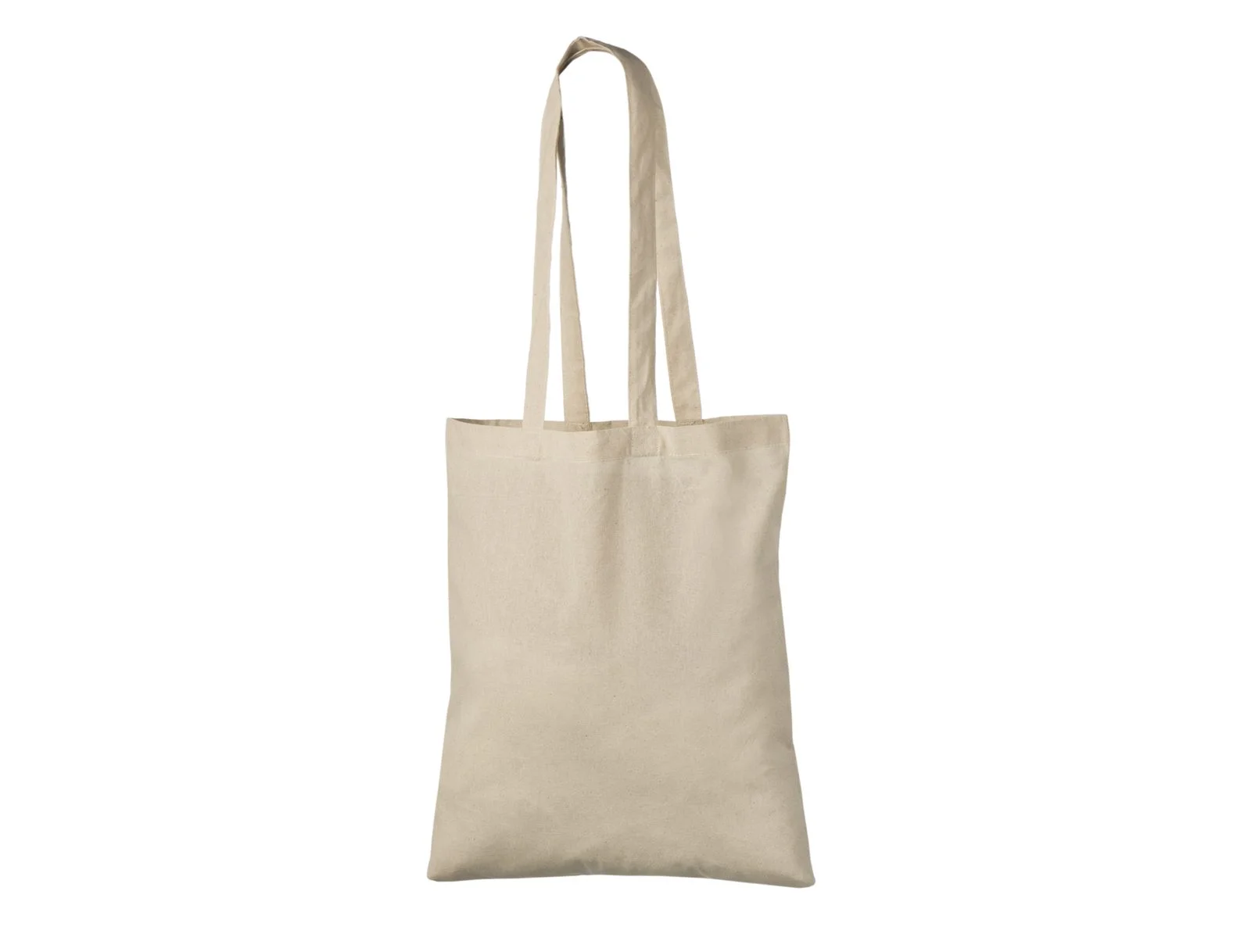
Identify the bag model, colour and side to be printed. Describe the preferred width of the design and its position on the front panel. The full bag width is not the printable width: seams, folds and handle attachments can limit placement.
For example, a logo-only design and a logo with a long website address need different checks. Small lettering may become hard to read even when the main symbol looks clear. Ask for a model-specific placement recommendation before finalising the file.
Make colour instructions unambiguous
State the number of print colours and provide any existing brand colour references. Explain which parts of the design should be printed and which should show the bag underneath. A white rectangle in an image file may be intentional artwork or an unwanted background; clarify this before approval.
A screen preview is not a physical colour or texture sample. Choose the bag colour first, then discuss contrast and the suitability of fine lines with the supplier.
Check the proof as a team
- Confirm the correct bag model and colour.
- Read every word, number and web address.
- Check the requested print side, orientation and dimensions.
- Confirm the colour references and background treatment.
- Send one consolidated approval or correction list.
Frequently asked questions
Can I send a screenshot?
It can explain your idea, but send the original artwork as well if possible. A screenshot is not a reliable substitute for a production file.
Does approving a mockup confirm the fabric quality?
A digital proof shows the intended design and placement. A physical bag sample answers different questions about fabric, construction and carrying comfort.
Send your artwork for review
Send your artwork with your chosen natural cotton tote bag, quantity and required delivery date. Request a quote.